
Lesson 3 of 16 in Python for Biologists, a free beginner course with ecology examples.
Think of a field notebook you wrote in a hurry three seasons ago. The counts are in there somewhere, but the abbreviations make no sense, the columns drift across the page, and one crucial number is squeezed into a margin. Code ages the same way. PEP 8 is Python’s answer: a shared set of style rules that keeps your scripts readable for your colleagues and for you, months from now.
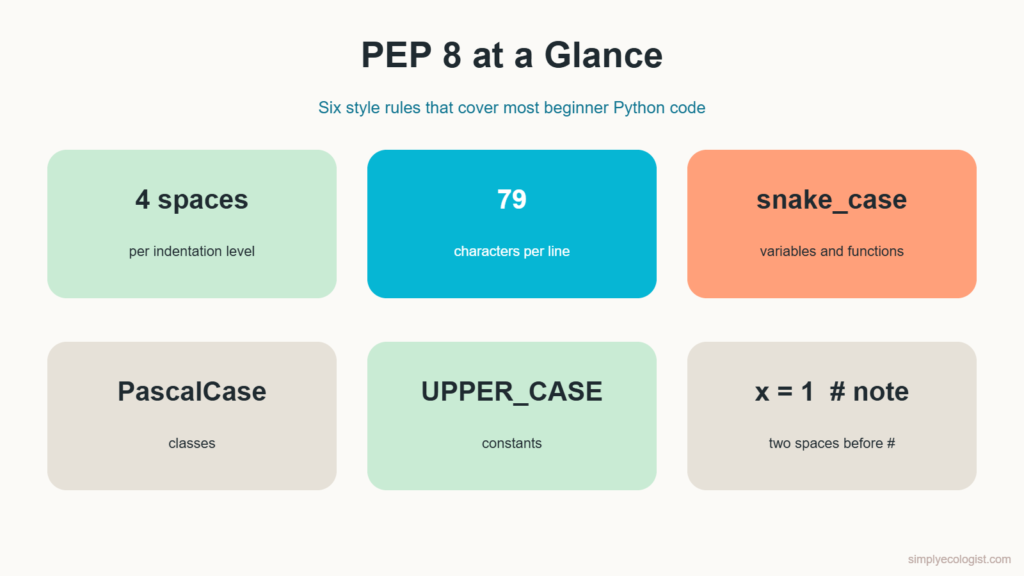
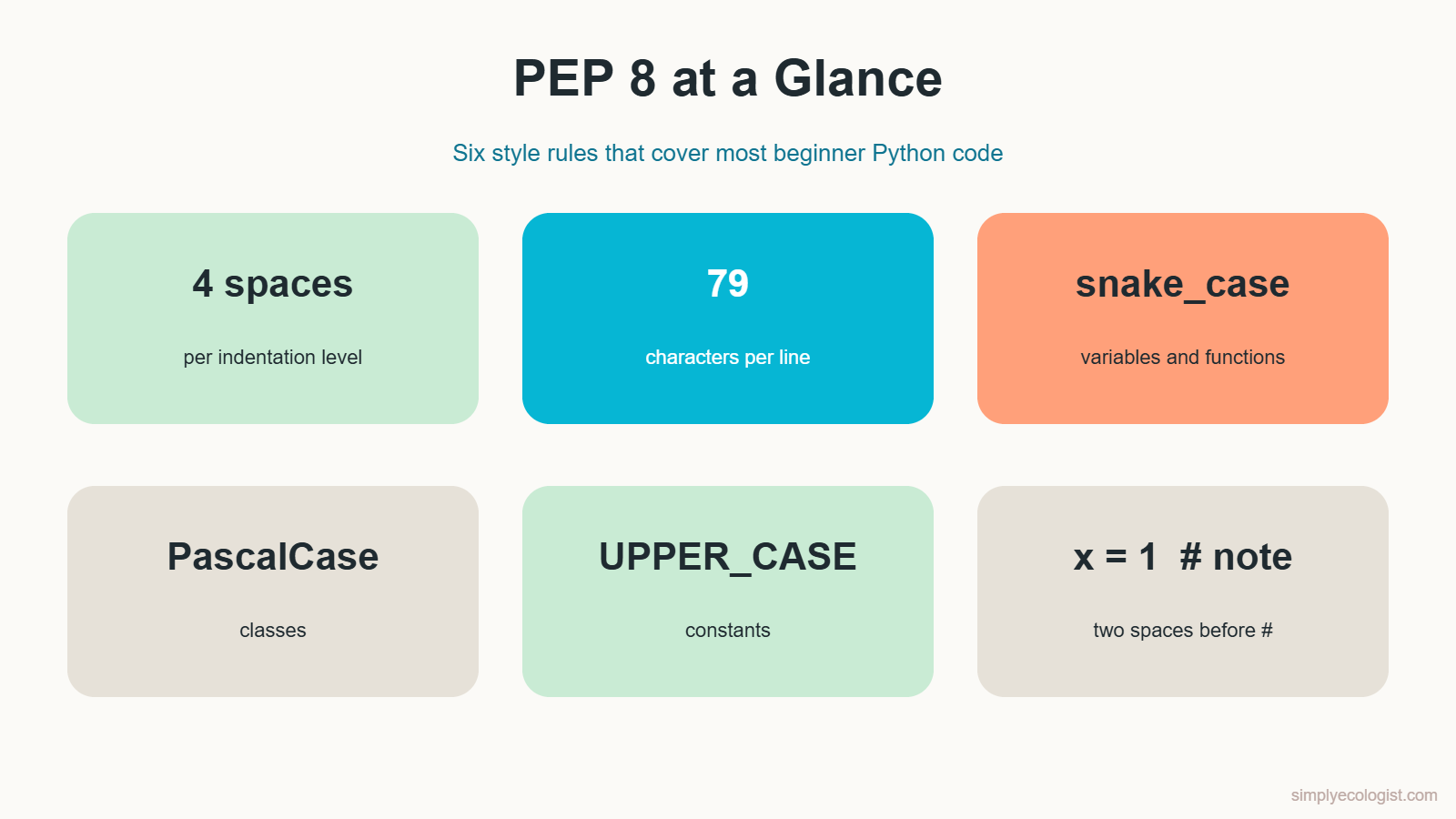
Quick answer: PEP 8 is the official style guide for Python code. Its core rules are: indent with 4 spaces, keep lines to 79 characters, write one statement per line, name variables and functions in snake_case, classes in PascalCase and constants in UPPER_CASE, and use comments to explain why, not what. A free tool called pycodestyle checks your code against these rules for you.
What You Will Learn in This Lesson
- Why style matters even when your code already works
- How to name Python files, variables, functions, classes and constants
- The one statement per line rule
- How long a line of code should be and how to break long lines
- How indentation defines blocks of code in Python
- Which brackets to use and when
- How to check your style automatically with pycodestyle
- How to write comments that actually help
What Is PEP 8 in Python?
PEP stands for Python Enhancement Proposal, a document that describes a decision about the Python language. PEP 8 is the one about style. It does not change what your code does. It changes how easy your code is to read.
Why care, if the code runs? Because code is read far more often than it is written. A script you share with your lab, a supervisor or a reviewer has to make sense to them without you in the room. And the person most likely to read your code next year is you, with no memory of what x2 meant.
There is a second reason. Some style rules in Python are not optional at all. Indentation, as you will see below, is part of the language itself. Get it wrong and Python refuses to run your script.
How Should I Name Python Files?
Your scripts are the folders of your project. Clear names let you find the right one in seconds.
- Use lowercase letters.
bird_counts.py, notBird_Counts.py. - Separate words with an underscore.
clean_field_data.py. - Avoid special characters and spaces. Symbols such as
!,@,#or a minus sign cause trouble when you run or import a file. A file with a minus sign in its name cannot be loaded into another script with a normalimportline. - Say what the script does.
script1.pytells you nothing.plot_species_richness.pytells you everything.
Why Write One Statement per Line?
Python lets you squeeze several statements into one line with a semicolon:
print("Site A"); print("Site B")It works, but it hides your logic. Put each statement on its own line instead:
print("Site A")
print("Site B")
Notice the semicolons are gone. Python treats the end of a line as the end of a statement, so you almost never need a semicolon. When a script gives you a wrong number, one statement per line also means one place to look per line.
How Long Should a Line of Python Code Be?
PEP 8 recommends a maximum of 79 characters per line of code, and 72 characters for comments and docstrings. You do not need to count characters while you write. VS Code can draw a guide line for you, and the checking tool later in this lesson will warn you about long lines.
The purpose is practical. Short lines mean no sideways scrolling, two files can sit side by side on one screen, and your eye can take in a whole statement at once.
How Do I Break a Long Line in Python?
There are two ways to continue a statement on the next line. Say you are totalling egg counts from a long list of nests:
Option 1: a backslash. A \ at the end of a line tells Python the statement continues on the next line:
total_eggs = 50 + 100 + 150 + 200 + 250 + 300 + 350 + 400 + 450 + 500 \
    + 550 + 600 + 650 + 700 + 750 + 800 + 850 + 900 + 950 + 1000
print(total_eggs)
Option 2: brackets. Anything inside round, square or curly brackets can span several lines without a backslash:
total_eggs = (
    50 + 100 + 150 + 200 + 250 + 300 + 350 + 400 + 450 + 500
    + 550 + 600 + 650 + 700 + 750 + 800 + 850 + 900 + 950 + 1000
)
print(total_eggs)
Both print 10500. PEP 8 itself prefers the bracket version, because a backslash breaks silently if a stray space slips in after it. Learn both, reach for brackets first.
Why Does Indentation Matter in Python?
Indentation is the empty space at the start of a line. In many languages it is decoration. In Python it is grammar: it tells Python which lines belong together in a block, such as the body of a function, an if statement or a loop.
def total_nests(site_a, site_b):
    return site_a + site_b  # indented 4 spaces, so it belongs to the function


nests_north = 4
nests_south = 5
print(total_nests(nests_north, nests_south))
The indented return line belongs to the function total_nests. The lines below it, back at the left edge, do not. You will learn functions properly in lesson 13. For now, watch what happens if you remove the indentation:
def total_nests(site_a, site_b):
return site_a + site_b
IndentationError: expected an indented block after function definition on line 1Python stops before running anything. The rules from PEP 8:
- Use 4 spaces per level of indentation.
- Use spaces, not the Tab key. VS Code already converts Tab to 4 spaces for Python files, so pressing Tab there is safe.
- Never mix tabs and spaces in one file. Python 3 refuses to run code that mixes them inconsistently.
What Is the Python Naming Convention?
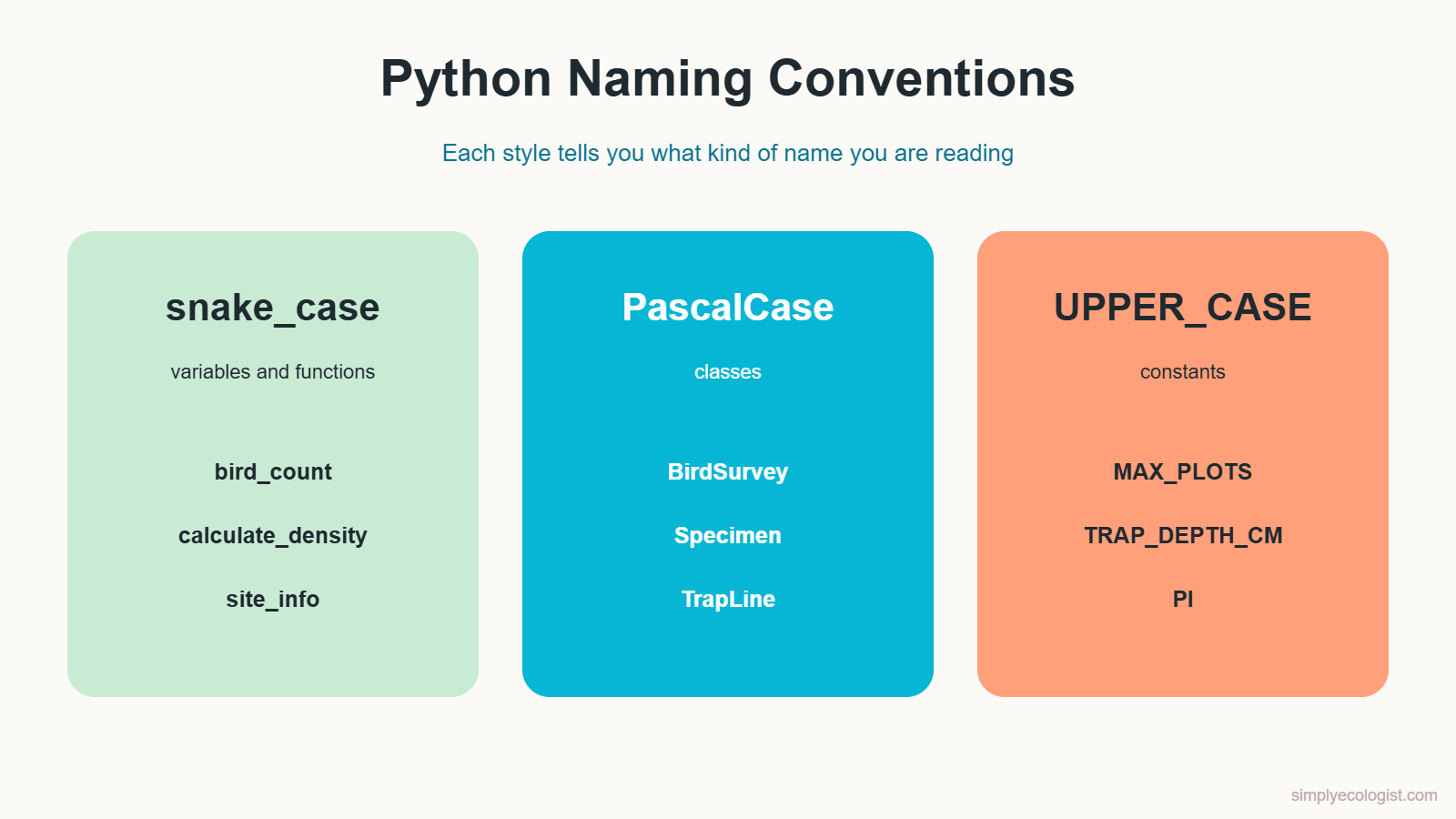
Inside your code, names follow three styles. Each style signals what kind of thing you are looking at.
| What you are naming | Style | Examples |
|---|---|---|
| Variables and functions | snake_case: lowercase words joined by underscores | bird_count, calculate_density |
| Classes | PascalCase: every word starts with a capital, no underscores | BirdSurvey, Specimen |
| Constants (values that never change) | UPPER_CASE with underscores | MAX_PLOTS, TRAP_DEPTH_CM |
Beyond the style, choose names that say what the value is. bc could mean anything. beetle_count cannot be misread. And once you pick a style, keep it through the whole project. Consistency is what lets someone else open your code and feel at home.
Do not confuse these rules with file naming above. File names organise your project. Variable, function and class names organise the code inside each file.
Which Brackets Does Python Use?
Python uses three kinds of brackets, and each has its own job. You will meet every one of these structures properly later in the course. For now, just learn to tell them apart.
- Round brackets
()call functions and group values into a tuple:print("Calling a function uses round brackets") plot_size_m = (10, 10) - Square brackets
[]make a list, an ordered collection you can change:daily_counts = [12, 7, 5, 9, 14] - Curly brackets
{}make a dictionary of key and value pairs, or a set of unique values:site_info = {"site": "North marsh", "habitat": "reed bed"} species_seen = {"heron", "egret", "bittern"}
Every opening bracket needs a closing partner. A missing one gives you the error you met in lesson 1: SyntaxError: '(' was never closed.
One more habit: do not name your variables after things Python already uses, such as dict, list or print. The code may run, but you will have quietly overwritten a built in tool you need later. Name the data instead, like site_info.
How Do I Check PEP 8 Style Automatically?
Nobody remembers every rule. A tool called pycodestyle reads your script and lists every place it breaks PEP 8. Install it once from a terminal, using the setup from lesson 2:
python -m pip install pycodestyleHere is a messy script that works perfectly well. Save it as messy_counts.py:
robins=4; sparrows = 9
def TotalBirds(a,b):
  return a+b
total=TotalBirds(robins,sparrows)
print(total) # print the total
Now check it:
python -m pycodestyle messy_counts.pyThis is the real output from pycodestyle 2.15:
messy_counts.py:1:7: E225 missing whitespace around operator
messy_counts.py:1:9: E702 multiple statements on one line (semicolon)
messy_counts.py:2:1: E302 expected 2 blank lines, found 0
messy_counts.py:2:17: E231 missing whitespace after ','
messy_counts.py:3:3: E111 indentation is not a multiple of 4
messy_counts.py:4:1: E305 expected 2 blank lines after class or function definition, found 0
messy_counts.py:4:6: E225 missing whitespace around operator
messy_counts.py:4:24: E231 missing whitespace after ','
messy_counts.py:5:13: E261 at least two spaces before inline comment
Each line reads like a field record: file, line number, column, a code, and a description. 1:7 means line 1, character 7. Fix them one by one and run the check again until it prints nothing. Silence means your code passes.
Here is the cleaned version, which passes with no messages:
robins = 4
sparrows = 9


def total_birds(a, b):
    return a + b


total = total_birds(robins, sparrows)
print(total)  # birds seen on the pond transect
Notice one thing pycodestyle did not complain about: the function name TotalBirds. It checks layout, not names. The rename to total_birds was up to you, which is exactly why you learned the naming rules above.
How Do You Write Comments in Python?
A comment is a note in your code that Python completely ignores. You write one with the # symbol. Everything after # on that line is for humans only.
# Totals for the spring point counts at three wetland sites
north_count = 23
south_count = 17  # south site was surveyed one hour later because of fog
A comment can sit on its own line, describing the code below it, or at the end of a line of code. PEP 8 asks for two details on end of line comments: at least two spaces before the #, and one space after it.
How Do I Write a Comment Block or a Multiline Comment?
Python has no special syntax for multiline comments. To write a comment block, start every line with #:
# Density is individuals per hectare.
# Each plot is 10 m by 10 m, so 100 plots make one hectare.
# Counts from flooded plots are left out of this calculation.
density = total_individuals / hectares_surveyed
In VS Code, select several lines and press Ctrl + / to add or remove # on all of them at once. You may see code that uses triple quotes """like this""" as a comment. Those are really strings, and their proper job is the docstring, which you will learn in lesson 13 on functions.
Good Comments Explain Why, Not What
Comments are powerful, but more is not better. This comment only repeats the code:
count = 10 # set count to 10Anyone can see that. A useful comment explains something the code cannot say on its own: a reason, a unit, a decision, an exception.
count = 10 # minimum sample size agreed in the survey protocolAsk yourself: what will I have forgotten in six months? Write that down.
Practice Tasks
Task 1: Name a Script
Create a file called show_species_chart.py with this line, run it, and check that the message appears:
print("This program will show a species chart.")Now rename the file to chart.py, then to program.py. Which name would still make sense to you in a folder of 40 scripts next year?
Task 2: One Statement per Line
A colleague sent you this working but cramped script. Rewrite it so each statement has its own line, and give the variables meaningful names.
x = 5; y = 3; z = x + y; print(f"Total birds: {z}"); a = 10; b = 2; res= a * b; print(f"Total beetles: {res}")Show the solution
robins = 5
sparrows = 3
total_birds = robins + sparrows
print(f"Total birds: {total_birds}")
plots = 10
beetles_per_plot = 2
total_beetles = plots * beetles_per_plot
print(f"Total beetles: {total_beetles}")
It prints Total birds: 8 and Total beetles: 20, exactly like the original, and passes pycodestyle with no messages.
Task 3: Break a Long Line
Break this line so no line is longer than 79 characters. Try it once with a backslash and once with brackets, then run both and check the total.
total_eggs = 50 + 100 + 150 + 200 + 250 + 300 + 350 + 400 + 450 + 500 + 550 + 600 + 650 + 700 + 750 + 800 + 850 + 900 + 950 + 1000
print(total_eggs)
Show the solution
The two versions are shown in the section on breaking long lines above. Both print 10500. If you get a different total, check that you did not lose a number at the break.
Task 4: Break the Indentation on Purpose
Copy the total_nests example from the indentation section. Remove the spaces before return, run it and read the error. Then put the 4 spaces back and run it again.
Task 5: Sort the Names
Which of these names follow the naming rules, and how would you fix the others?
speciesCount
count_species
MAX_PLOTS
BirdSurvey
threshold_Value
showResults
PI
Specimen
Show the solution
Correct: count_species (function or variable), MAX_PLOTS and PI (constants), BirdSurvey and Specimen (classes).
Fix: speciesCount becomes species_count, showResults becomes show_results, and threshold_Value becomes threshold_value, or THRESHOLD_VALUE if it is a constant.
Task 6: Comment a Colleague’s Code
Add comments where they help, and leave them out where they would only repeat the code.
num1 = 15
num2 = 25
result = num1 + num2
print(result)
Show a sample solution
The best fix here is better names, which make most comments unnecessary. Then one comment adds what the code cannot say:
# Frogs heard calling at the two ponds on the night survey
pond_east = 15
pond_west = 25
total_frogs = pond_east + pond_west
print(total_frogs)
Quiz: PEP 8 Basics
1. How many spaces does PEP 8 recommend per indentation level?
a) 2 b) 4 c) 8
Show answer
b) 4 spaces.
2. What is the recommended maximum length for a line of code?
a) 72 characters b) 79 characters c) 120 characters
Show answer
b) 79 characters. Comments and docstrings should stay within 72.
3. Which name follows PEP 8 for a variable?
a) BeetleCount b) beetle_count c) beetleCount
Show answer
b) beetle_count, in snake_case.
4. Which name follows PEP 8 for a class?
a) BirdSurvey b) bird_survey c) BIRD_SURVEY
Show answer
a) BirdSurvey, in PascalCase.
5. Which file name is a good choice for a Python script?
a) Bird Counts!.py b) bird-counts.py c) bird_counts.py
Show answer
c) bird_counts.py. Lowercase, underscores, no spaces or special characters.
6. What happens if a function body is not indented?
a) Python fixes it b) IndentationError c) The function runs twice
Show answer
b) IndentationError. Indentation is part of Python’s grammar.
7. Which brackets create a list?
a) () b) [] c) {}
Show answer
b) Square brackets.
8. How do you write a comment block in Python?
a) Start each line with # b) Wrap it in /* */ c) Start it with //
Show answer
a) Start each line with #. Python has no special multiline comment syntax.
9. Which comment is most useful?
a) # add 1 b) # recount added because one plot was flooded c) # code
Show answer
b) It explains why, which the code itself cannot.
Key Takeaways
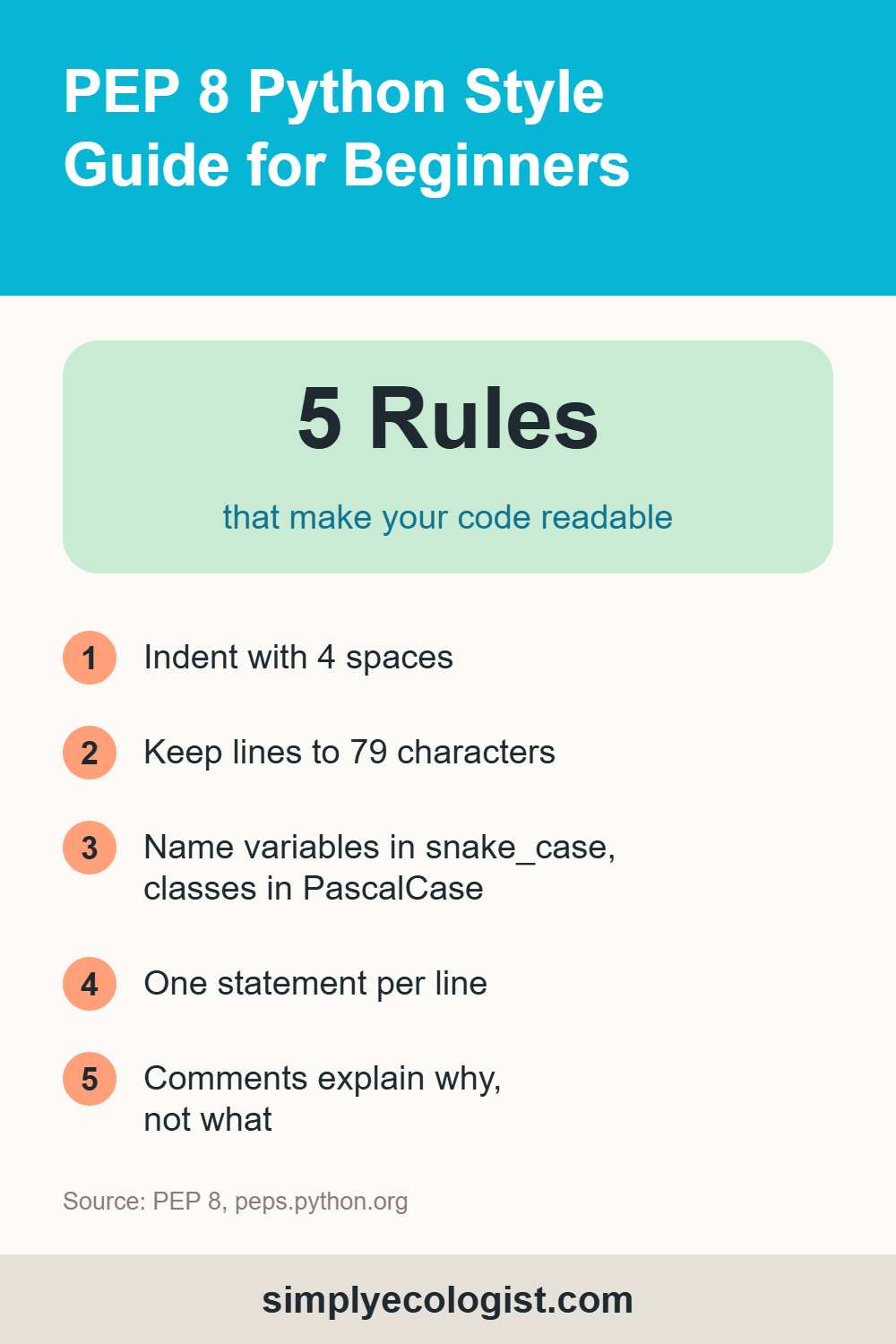
- PEP 8 is Python’s official style guide. It makes code readable without changing what it does.
- Name files and variables in lowercase with underscores, classes in PascalCase and constants in UPPER_CASE.
- One statement per line, and no line longer than 79 characters.
- Break long lines inside brackets, or with a backslash.
- Indent with 4 spaces. In Python, indentation is grammar, not decoration.
- Check your code with
python -m pycodestyle your_file.py. - Write comments that explain why, and start every line of a comment block with
#.
Previous lesson: How to Install Python on Windows and Write Your First Program in VS Code
Next lesson: Python Variables and Data Types.
Back to the course: Python for Biologists, all 16 lessons
Erzsebet Frey (Eli Frey) is an ecologist and online entrepreneur with a Master of Science in Ecology from the University of Belgrade. Originally from Serbia, she has lived in Sri Lanka since 2017. Eli has worked internationally in countries like Oman, Brazil, Germany, and Sri Lanka. In 2018, she expanded into SEO and blogging, completing courses from UC Davis and Edinburgh. Eli has founded multiple websites focused on biology, ecology, environmental science, sustainable and simple living, and outdoor activities. She enjoys creating nature and simple living videos on YouTube and participates in speleology, diving, and hiking. ORCID: 0009-0002-7482-7986
From the shop
Gifts for people who love the wild
Wildlife themed t-shirts, notebooks, tote bags, bandanas and guides, designed by an ecologist.
Visit the shop